
TL;DR: B2B video doesn’t need a large production crew or a complicated studio setup. A clear message, strong visuals, good audio, and a repeatable editing process can produce professional marketing videos online. This guide explains how to plan, record, edit, adapt, and measure B2B videos, including where an online video editor and AI-assisted workflows can reduce repetitive work without removing human creative judgment.
Introduction
A B2B marketing team can have a strong product and still struggle to explain it in a few seconds. Long reports and product pages can provide detail, but buyers also need content that quickly shows how a solution works and why it matters.
Video can help fill that gap. LinkedIn research found that nearly two-thirds of B2B buyers say social video helps shape their buying decisions. Its research also found that video can help make complex products easier for buying groups to understand and evaluate.
The challenge is production. Teams may need product demos, customer stories, webinar clips, social posts, sales videos, and training content at the same time. Creating every video from scratch can quickly become a bottleneck.
Fortunately, professional video production can now happen largely online. With an online video editor, teams can organize footage, remove mistakes, add captions, improve sound, and create different versions without building a traditional editing setup.
This guide explains how to create professional B2B marketing videos online, from planning and recording to editing, repurposing, publishing, and measuring results.
What makes a B2B marketing video professional?
A professional B2B marketing video doesn’t need expensive effects. It needs a clear message, clean audio, useful visuals, consistent branding, and editing that respects the viewer’s time.
Start with the viewer’s problem rather than the company’s features. Ask what the audience needs to understand, what action they should take, and what evidence will make the message credible.
For example, a software company could create a product demo around one task instead of showing every feature. A customer success team could turn a long interview into a short story about the problem, solution, and result.
Focus on these elements:
- A clear opening: Tell viewers what they’ll learn or solve.
- Simple structure: Move from problem to explanation to action.
- Readable visuals: Keep screens, charts, and text easy to follow.
- Clean audio: Remove distracting noise and keep speech understandable.
- Consistent branding: Use the same logo, colors, fonts, and visual style.
- A useful ending: Give viewers one clear next step.
A polished video is usually the result of many small decisions rather than one expensive production trick.
How should B2B teams plan a video?
The simplest way to plan a B2B video is to define the audience, goal, message, format, and distribution channel before recording. This prevents teams from collecting hours of footage without knowing what the final video needs to accomplish.
Start with one business goal
A video might aim to explain a product, generate awareness, support sales, answer a customer question, or promote an event. Pick one primary goal.
Next, decide who will watch it. A video for a technical buyer may need different examples from one designed for a marketing manager.
Build a simple outline
A useful B2B structure is:
- Problem: What challenge does the viewer face?
- Context: Why does the problem matter?
- Solution: What approach can solve it?
- Proof: What example, demonstration, or evidence supports the idea?
- Next step: What should the viewer do now?
This structure works for product demos, explainers, customer interviews, webinars, and educational videos.
Planning also makes editing easier because you know which parts are essential and which can be removed.
Which videos should B2B brands create?
B2B teams can build a useful video library by matching each format to a specific stage of the buyer journey. Product demos explain how something works, customer stories provide proof, educational videos answer questions, and short clips help distribute ideas across social channels.
Wyzowl’s 2026 research reports that 91% of businesses use video as a marketing tool, showing how common video has become across business marketing.
Instead of producing random videos, create a few repeatable formats.
Product demos
Show one workflow from beginning to end. Avoid trying to explain the entire product in one video.
Customer stories
Use interviews, screen recordings, or customer quotes to show a real problem and how it was addressed.
Educational videos
Turn common questions from sales calls, support tickets, and search queries into short explanations.
Webinar and event clips
A one-hour webinar can contain several useful moments. Cut strong explanations, answers, or examples into shorter pieces.
Social videos
Short clips can introduce a topic, answer a question, or direct viewers to a deeper resource.
Google has also highlighted video as a useful way for B2B companies to stay visible throughout a longer buying journey, especially as buyers research products through digital channels.
How can an online video editor speed up production?
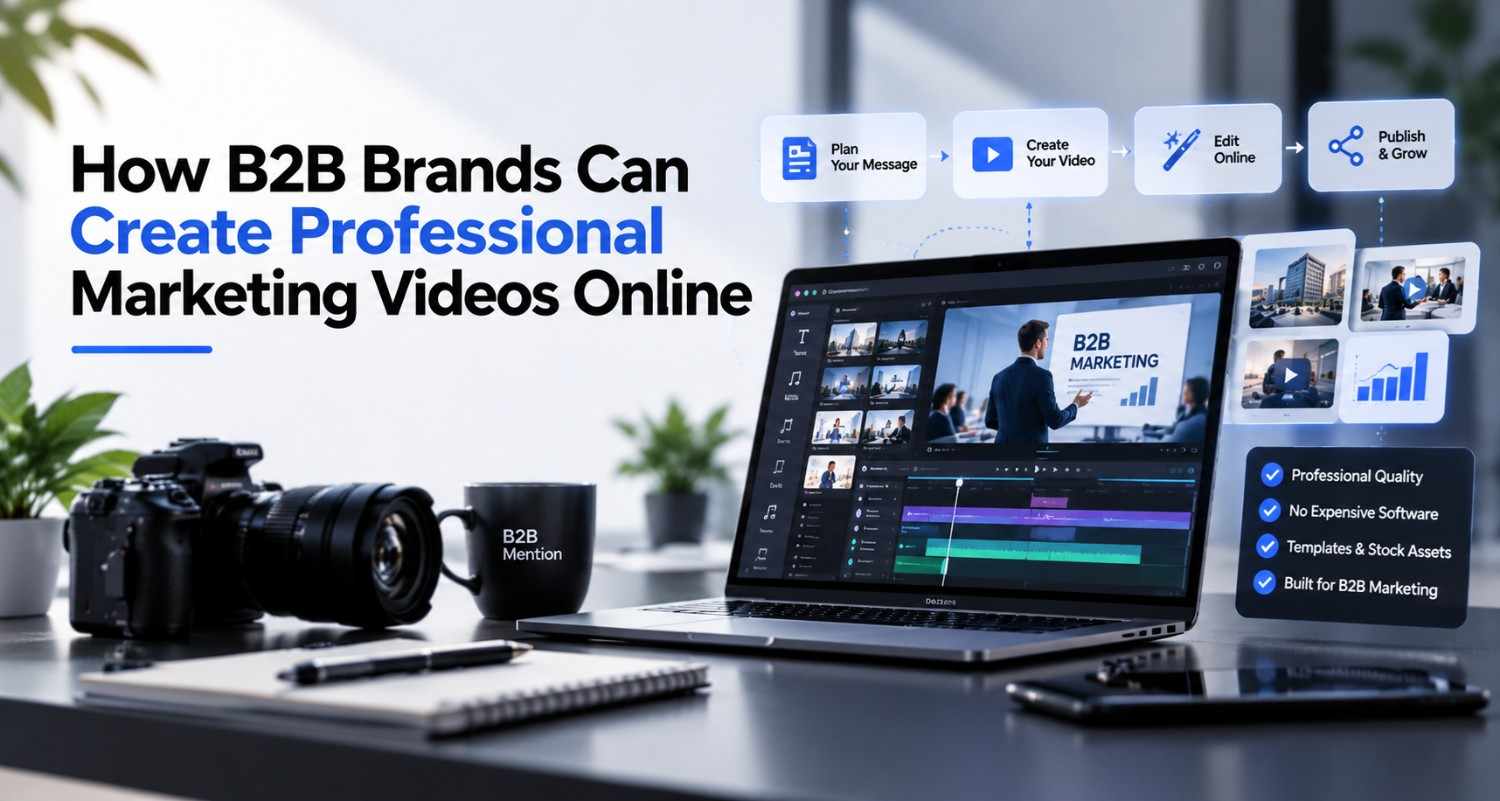
An online video editor can bring recording, cutting, captions, audio adjustments, resizing, and other editing tasks into one browser-based workflow. This makes it easier for marketers to handle routine production without moving files between several applications.
For example, a marketer could upload a recorded product demo, remove pauses, add captions, adjust the framing, and prepare versions for different channels.
An online video editor can also make collaboration simpler when multiple people review the same project. Instead of sending large files back and forth, teams can work from a shared project or review link when the editor supports those features.
The right workflow depends on the team’s needs. Some projects need detailed manual editing. Others benefit more from automation for repetitive tasks.
Invideo editor is one example of a browser-based editing workspace. Its current editor includes a multitrack timeline, audio controls, color controls, captions, trimming, resizing, and AI-assisted editing workflows.
Teams can also explore an AI video editor when they want to test text-based editing alongside traditional timeline controls.
How can AI help with repetitive video work?
AI-assisted editing is most useful when it reduces repetitive work while leaving creative decisions with the editor. Teams can use it to help find footage, remove unwanted sections, create captions, generate variations, and handle other connected editing tasks.
Consider a recorded webinar with several speakers. An editor might need to remove long pauses, cut repeated explanations, create short clips, add captions, and prepare different aspect ratios.
An AI-assisted workflow can help with parts of that process. The human editor still decides which moments are worth publishing and whether the final edit communicates the intended message.
This is also where agentic editing becomes useful. AI Video Creation Is Moving Beyond Single Prompts to Directed Workflows as newer systems can connect several editing tasks instead of treating every instruction as an isolated generation request. Invideo’s agentic video editor, for example, describes workflows where agents can work on footage and timelines based on user direction.
The important distinction is control. AI can handle repetitive production steps, but marketers still need to judge the story, accuracy, tone, brand fit, and final quality.
A practical online editing workflow
A repeatable editing process helps B2B teams produce more content without lowering quality.
1. Organize the footage
Group recordings, graphics, logos, music, screenshots, and other assets before editing. Clear file names can save time later.
2. Make the first cut
Remove mistakes, repeated statements, long pauses, and sections that don’t support the video’s goal. Don’t worry about visual polish yet.
3. Improve the message
Watch the complete cut from the audience’s point of view. Ask whether the opening is clear and whether each section earns its place.
4. Polish the visuals and audio
Add captions, adjust colors, balance audio, and use graphics only when they improve understanding.
5. Create platform versions
A single recording may become a full YouTube video, short social clips, a sales asset, and an embedded website video. An online video editor can make these variations easier to manage.
For teams publishing on YouTube, a dedicated YouTube video editor can also support workflows built around longer videos, captions, audio, and platform-specific editing.
6. Review before publishing
Check names, numbers, product claims, captions, links, audio levels, and brand elements. A final review can catch mistakes that automated tools miss.
How should teams measure video performance?
Video performance should be measured against the video’s purpose, not views alone. Awareness videos may focus on reach and engagement, while product videos may need deeper metrics such as qualified visits, demo requests, or assisted conversions.
Start by choosing one primary metric and a few supporting metrics.
For example:
- Awareness: reach, views, completion rate
- Engagement: watch time, comments, shares
- Education: completion rate, repeat viewing, clicks to supporting content
- Demand generation: qualified traffic, form submissions, demo requests
- Sales support: content-assisted opportunities or influenced pipeline
Wyzowl’s 2026 survey found that 85% of video marketers said video had helped generate leads, while 83% said it had directly increased sales. These are survey responses from marketers, not independent measurements of causation, so they are better viewed as reported outcomes rather than guarantees.
The most useful approach is to compare similar videos over time and connect video metrics to the business goal.
Conclusion
Professional B2B video is less about expensive production and more about having a clear process. Start with one audience, one problem, and one useful message. Record with clean audio, edit out anything that slows the story, and adapt strong material for the channels where your audience already spends time.
An online video editor can make the production process easier to repeat, while AI-assisted tools can reduce some of the repetitive work. The goal isn’t to remove human judgment. It’s to give marketers more time to focus on the message, audience, and creative choices that matter.
If you’re ready to test the workflow, choose one existing recording and turn it into a polished marketing asset with an online video editor. Then measure what happened and use those results to improve the next video.
What type of B2B video would make the biggest difference in your current marketing workflow?
FAQs:
What is an online video editor?
An online video editor is a browser-based tool for creating and editing video without relying on a traditional desktop editing application. Depending on the platform, it can support tasks such as trimming clips, arranging media, adding captions, adjusting audio, resizing videos, and exporting finished projects.
Can B2B companies create professional videos without a production team?
Yes. Many B2B videos can be produced with a small team when the concept is simple and the workflow is organized. Product demos, educational clips, interviews, webinars, and screen recordings can often be created with basic recording equipment and an online video editor.
What should a B2B marketing video include?
A strong B2B marketing video should have a clear audience, one main message, useful visuals, understandable audio, and a logical next step. The exact structure depends on the format. A product demo may focus on a workflow, while a customer story may focus on a problem and its outcome.
How long should a B2B marketing video be?
There is no single ideal length for every B2B video. The video should be long enough to answer its intended question without adding unnecessary material. A short social clip may need only a few key points, while a product walkthrough or webinar can require much more time.
Can AI edit B2B marketing videos?
AI can assist with parts of the editing process, including repetitive cuts, captions, content variations, and other workflow tasks. The exact capabilities vary by tool. Human review remains important because AI can miss context, brand requirements, factual errors, or creative issues.
Is an online video editor useful for remote marketing teams?
It can be useful when team members need to access projects from different locations. Browser-based workflows can reduce the need to move project files between individual computers. Some platforms also offer collaboration or review features, although the available options vary by product.