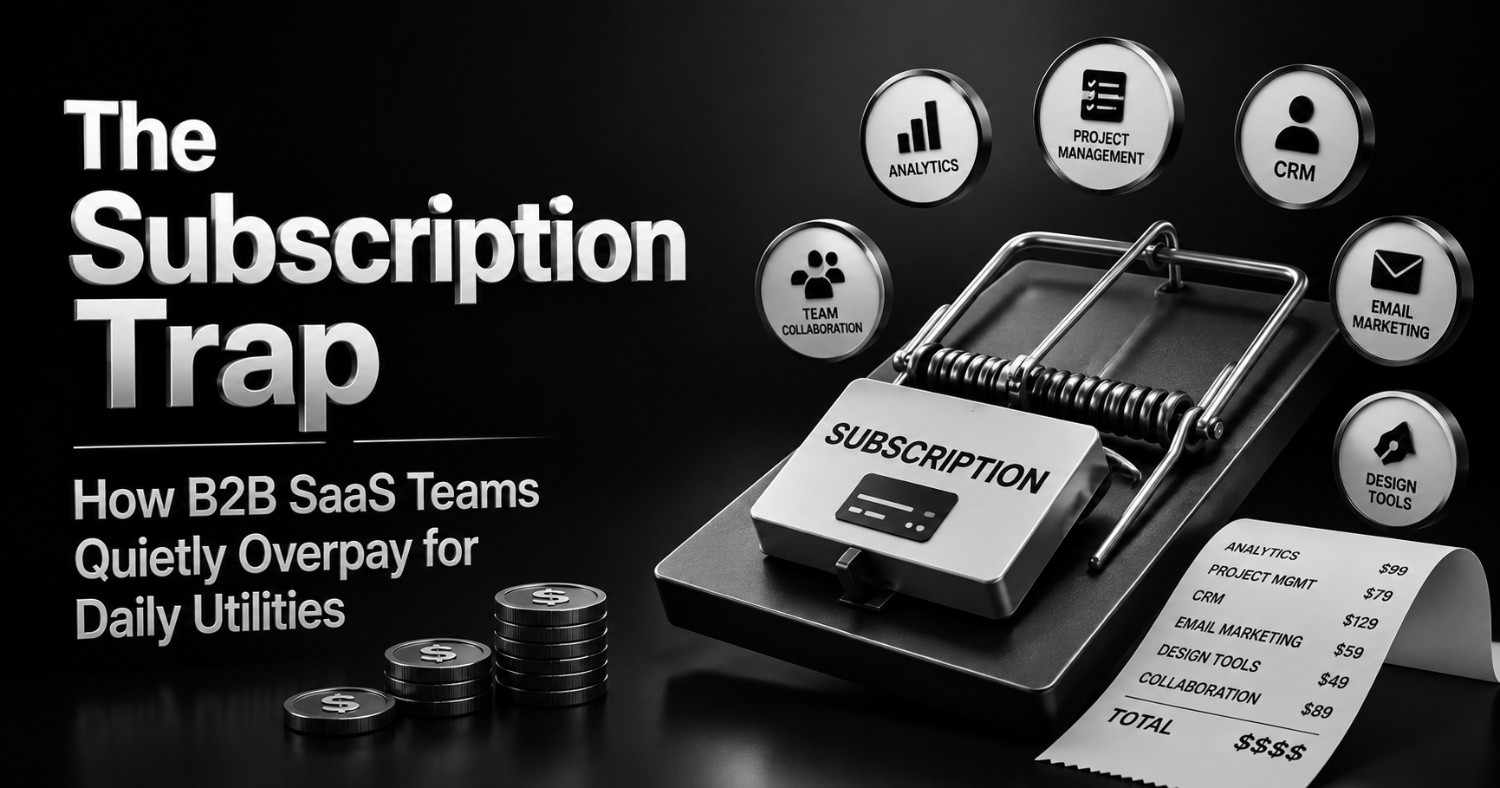

Every SaaS operator knows the story of the big contract that got renegotiated, the CRM migration that saved six figures, the vendor consolidation that made the board slide. Nobody tells the story of the $9-a-month PDF tool that’s been auto-renewing on a marketing manager’s card since 2023, alongside four other tools that do roughly the same thing for roughly the same price, purchased by four different people who have never spoken to each other about it.
That’s the part of the SaaS budget nobody audits, because no single line item is big enough to justify the meeting.
Why Utility SaaS Spending Goes Unnoticed
Procurement processes exist to catch expensive decisions. A $40,000 annual platform contract gets a demo, a security review, a champion, and a renewal date someone tracks. A $12-a-month PDF compressor gets a credit card and a Slack message that says “found a tool for this, expensing it.”
That asymmetry is the entire problem. PDF editors, image compressors, QR code generators, OCR tools, file converters, JSON formatters — the utility layer of a SaaS stack — get purchased the way office supplies get purchased: fast, individually, and without anyone connecting the dots across teams.
Look at what that actually adds up to in a mid-sized company. Marketing has a PDF editor for proposals. Sales has a different PDF editor for contracts, because nobody asked marketing what they were already using. Design has an image compression tool. Engineering has a JSON formatter bookmarked from a free tier that quietly became a paid plan eighteen months ago. HR has a document converter for onboarding packets. Individually, each of these costs less than a team lunch. Multiply by the number of teams, the number of overlapping tools per function, and the number of seats nobody remembers assigning, and the utility layer alone can run into thousands of dollars a month — invisible in any single expense report, glaring in aggregate.
This isn’t a hypothetical pattern. Zylo’s SaaS Management Index has tracked this for years, and current data shows organizations wasting an average of roughly $21 million annually on licenses nobody opens, with only about half of provisioned licenses actually seeing use. The same research puts IT’s visibility into total SaaS spend at a minority share of the real number — most of it is purchased and managed by individual business units, which is exactly why utility tools slip through unnoticed. Nobody owns the utility layer, so nobody audits it.
The Hidden Operational Cost Nobody Tracks
The subscription fee is the easy number to see. It’s also the smallest part of the real cost.
Every vendor added to a stack brings procurement overhead that scales independently of the tool’s price: a security review (or the absence of one, which is its own liability), a billing relationship, a renewal date, an offboarding step when an employee leaves and someone has to remember which of their eleven tool subscriptions need to be revoked. Multiply that by dozens of small utility vendors and the operational drag stops being proportional to spend — a $15/month tool can generate the same procurement friction as a $15,000/year platform, just distributed across more people who each spend less time on it and therefore never notice the total.
Vendor management compounds this in a specific way for utility tools: because nobody owns the category, nobody consolidates it. Sales picks its own PDF tool, marketing picks a different one, and eighteen months later there’s no single person who could even produce an accurate list of every utility subscription across the company, let alone decide which ones to cut. That’s the real cost — not the invoice, but the fact that the invoice is one of dozens nobody’s tracking together.
Browser-Native Utilities Are Quietly Changing Internal Workflows
Underneath the sprawl, something genuinely useful has changed: browsers can now do a meaningful share of this work locally, without a server in between.
WebAssembly has matured to the point where operations that used to require server-side processing — image compression, PDF manipulation, basic OCR — can run entirely inside a browser tab, on the user’s own device. For teams evaluating utility tools, this matters for three concrete reasons. First, files never leave the device, which simplifies the security conversation considerably for anything touching contracts, ID documents, or financial data — there’s no server-side retention policy to evaluate because there’s no server involved in the processing. Second, there’s no infrastructure for the vendor to maintain at scale, which tends to translate into either genuinely free tiers or meaningfully lower pricing than server-dependent competitors. Third, the workflow itself gets faster for everyday tasks, since there’s no upload-and-download round trip eating into the time a five-second task should actually take.
None of this makes browser-based utilities a replacement for a real SaaS platform. A tool that compresses a PDF locally in a browser tab is not a document management system, has no version history, no team permissions, no audit trail, and no integration with anything else in the stack. It solves one task well. Platforms like ToolifyHub.tools are useful precisely because they don’t try to be more than that — a single-purpose, client-side tool suite a team can reach for without a procurement cycle, not a platform decision.
A Practical Utility Audit Framework for SaaS Teams
Most SaaS audits stop at the platforms with visible line items. A useful audit of the utility layer looks different, because the problem isn’t overspending on any single tool — it’s not knowing the full list exists.
- Inventory utilities: Pull every tool touching PDFs, images, file conversion, formatting, and similar single-purpose tasks across every team, not just the ones IT provisioned. Expense reports and browser extension lists surface more of this than the procurement system will.
- Identify duplicates: Cross-reference by function, not by name. Three different teams almost certainly have three different answers to “what do we use to compress a PDF,” and none of them know about the other two.
- Measure usage frequency: A tool used daily by twelve people justifies a different decision than a tool used twice a quarter by one person who forgot to cancel it after a one-off project.
- Identify browser alternatives: For genuinely single-task tools — compression, conversion, format changes — check whether a client-side browser tool covers the same need without an ongoing subscription at all.
- Remove unused subscriptions: This step gets skipped more often than any other, not because it’s hard, but because nobody’s been assigned to do it. Assign it.
- Reinvest savings: The point isn’t just cutting cost — it’s redirecting a meaningfully sized, previously invisible budget line toward tools that actually need the investment: the platforms with real integration requirements, compliance needs, or team-wide workflow dependencies.
When Paid Software Still Makes Sense
None of this is an argument that software should be free. It’s an argument that spend should match what a tool actually needs to do.
Paid platforms earn their cost in specific, identifiable ways: enterprise-grade collaboration across large teams, compliance certifications that matter for regulated industries, workflow automation that connects multiple systems together, granular team permissions that a single-purpose browser tool has no reason to build, and integrations that turn a standalone tool into part of a larger operational system. A contract management platform with e-signature workflows, audit trails, and CRM integration is doing something a browser-based PDF compressor was never designed to do, and comparing their pricing is comparing different categories of product.
The distinction that matters isn’t paid versus free. It’s task versus system. A single, repeatable, single-user task rarely needs a platform. A workflow that spans teams, requires an audit trail, or depends on integration with the rest of the stack almost always does.
The Long-Term Shift
The broader trend here isn’t “SaaS is dying” — total software spending keeps climbing, and platform categories with real integration and compliance requirements aren’t going anywhere. What’s shifting is the bottom layer: the single-purpose utility tasks that used to default to a subscription because there was no realistic alternative.
As browser APIs and WebAssembly continue to mature, more of that bottom layer becomes something a browser can handle directly, without a server, an account, or a recurring charge. For SaaS operators, the practical implication isn’t philosophical — it’s a recurring line item on the audit calendar. The utility layer of a stack is the part most likely to be forgotten, and increasingly, it’s also the part most likely to have a free, locally-processed alternative sitting one search away. Auditing it isn’t a dramatic cost-cutting initiative. It’s closer to routine maintenance that most finance and RevOps teams simply haven’t scheduled yet.